Note: To view a list of all available modules and enable the ones you want, navigate to MemberDash > Modules
If you would like to add new members to your Mailchimp mailing list automatically upon purchase, you will need to enable the Mailchimp add-on.
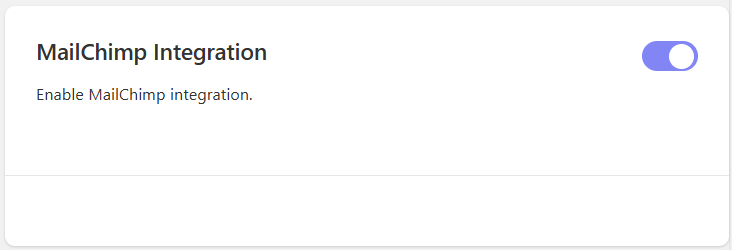
The add-on can be enabled from MemberDash > Modules by toggling the relevant switch:
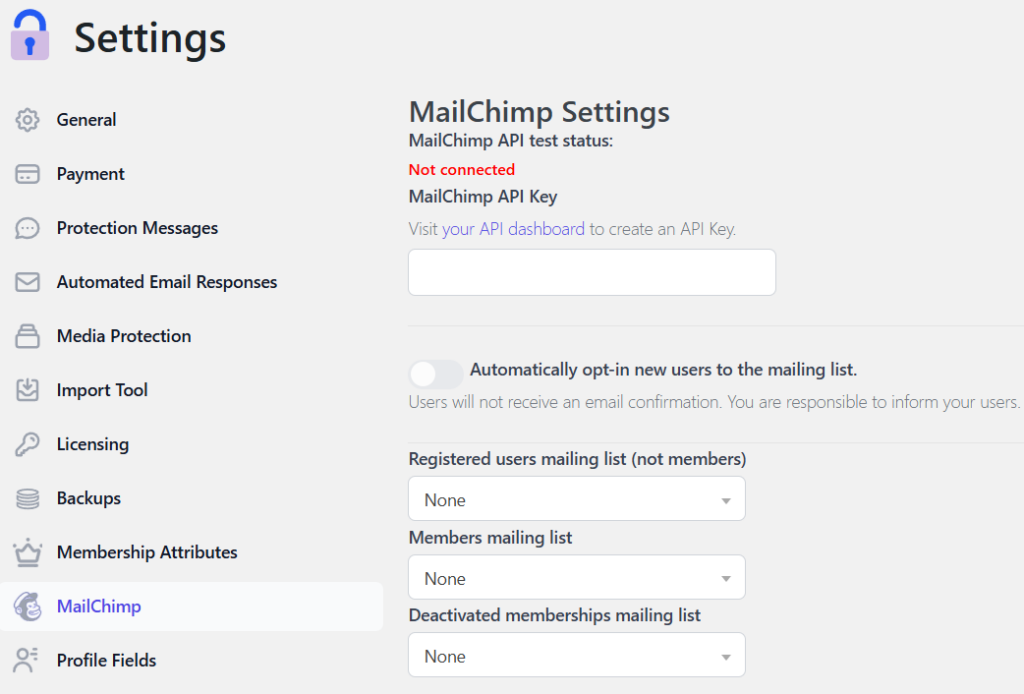
Once you’ve enabled the add-on, navigate to MemberDash > Settings > MailChimp and you should see a screen that looks like this:
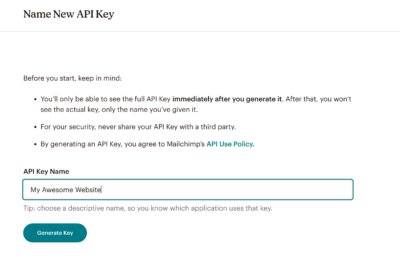
You will first need to log in to your Mailchimp account and create an API key. Please refer to this guide from Mailchimp for more details about API keys.
To create the API key simply click the Create A Key button, give it a name and click on Generate Key.
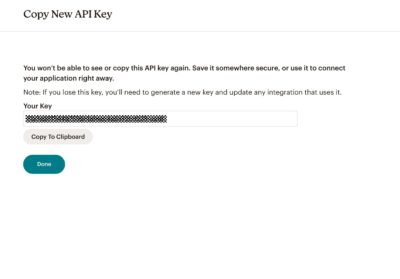
Next, click the Copy To Clipboard button, go back to your MemberDash settings and paste in the API key.
After pasting the Mailchimp API key into your MemberDash settings, refresh the page to see that lists you’ve created in Mailchimp are now available to select in the dropdowns.
You can choose to add registered users who are not members to a list, you can choose to add members to a list, and you can add people whose memberships are deactivated to a mailing list.
You can automatically opt-in new users as well. If you do that, it will be best to inform them through external means that they are being added to a mailing list.