Note: To view a list of all available add-ons and enable the ones you want, navigate to MemberDash > Modules
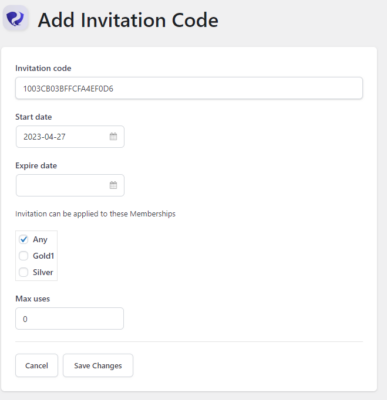
If you enable Invitation Codes, you should notice a new option in your admin menu under MemberDash called Invitation Codes.
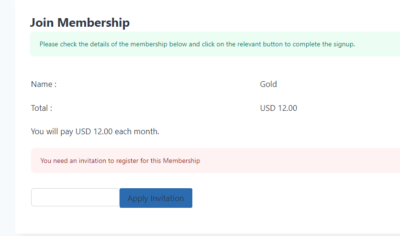
If you click on Invitation Codes, you’ll have the opportunity to create a unique code and assign it to a Membership. If you do this, users will be asked to input the invitation code during the purchase process and will not be able to purchase without it.