The PayPal Standard Gateway allows you to easily accept PayPal payments for your membership site, except for permanent or one-time membership offerings. This gateway is ideal for recurring memberships and supports features like Free Trials and Signup Fees.
NOTE: PayPal Standard can be used for any recurring Membership payments, including those with a Free Trial or a Signup Fee. This gateway is not suitable for one-time only payments.
PayPal Standard Payment Gateway
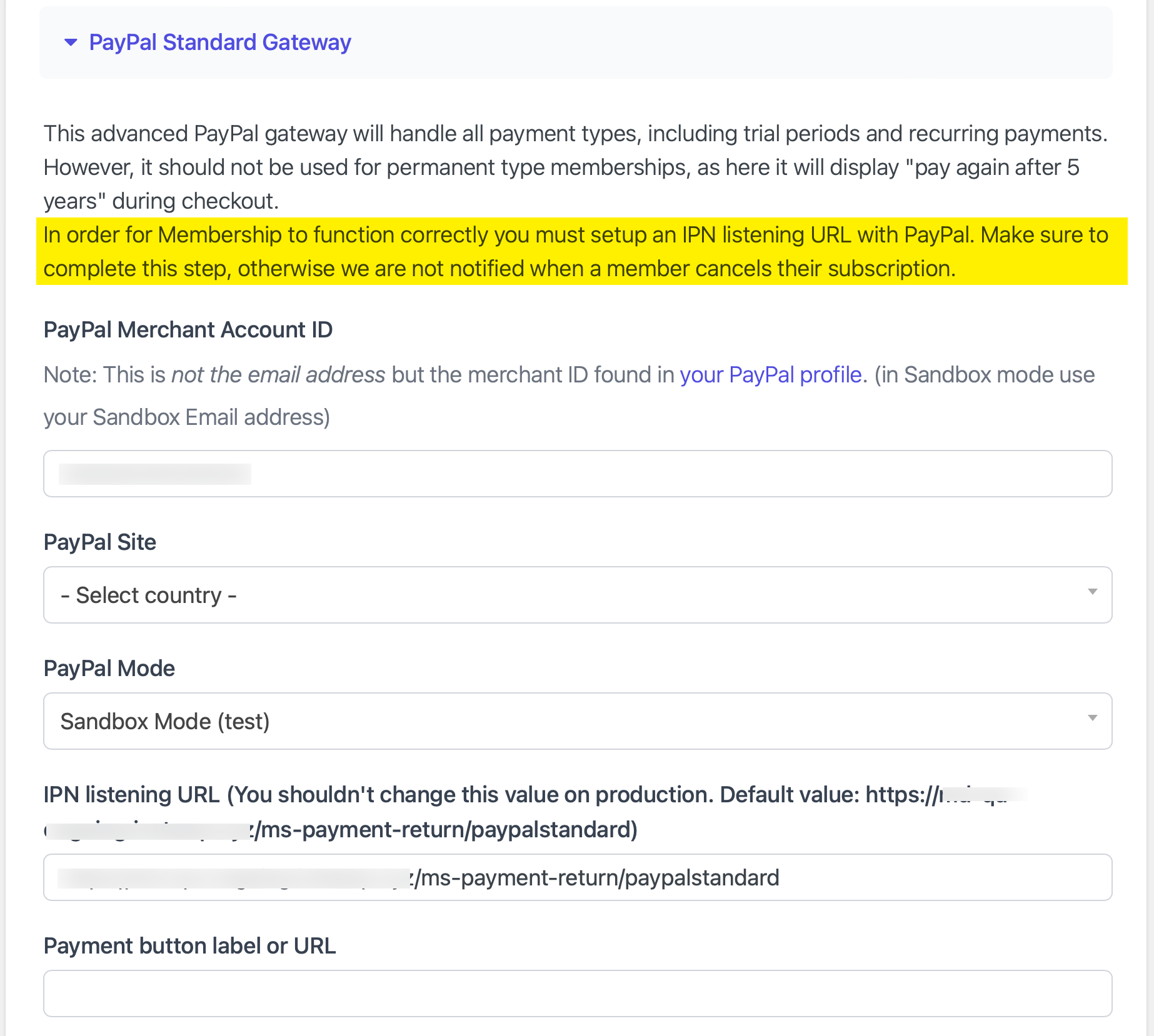
Overview
PayPal Standard offers a quick and simple checkout experience and can be connected to your site with minimal setup. This guide will walk you through:
- Connecting your PayPal account
- Switching from Test Mode (Sandbox) to Live Mode when you’re ready to accept real payments
- Configuring PayPal’s Instant Payment Notification (IPN) to ensure membership actions (like cancellations) sync properly
Important: IPN Setup Required
To ensure proper membership management, especially subscription cancellations, you must configure Instant Payment Notification (IPN) in your PayPal account.
If IPN is not set up:
- Membership cancellations will not sync back to your site.
- Payment updates may not be accurately reflected.
Follow this guide to configure IPN: Setting Up IPN Notifications on PayPal
Default Settings
When you’re ready to process live payments, you’ll need to switch the gateway to Live Mode. The PayPal Standard Gateway is set to Sandbox Mode (Test) by default.
Once you’ve connected your PayPal account, configured IPN, and switched to Live Mode, you’re ready to securely accept recurring membership payments through PayPal Standard.