The [ms-protection-message] shortcode displays a protection message on pages that users cannot access due to membership restrictions. This message helps users understand why they cannot view the content and what to do next.
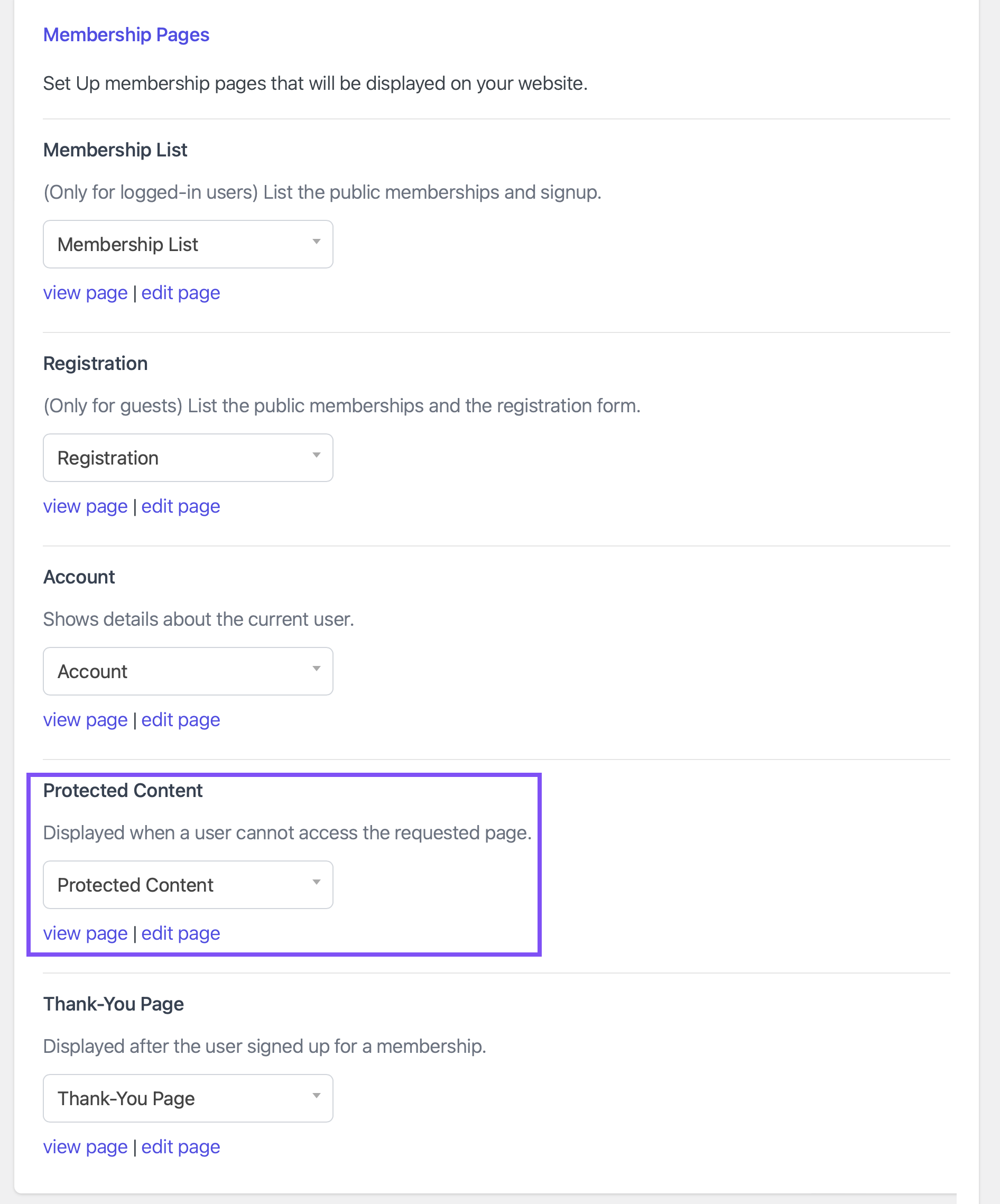
This shortcode is designed to be used only on the Protected Content page, which is configured under MemberDash > General Settings > Membership Pages > Protected Content.
Tip:
- If the user is not logged in, this shortcode will also display the default login form.
- If you provide your own login form using [ms-membership-login], this shortcode will not display a second login form.
Example:
[ms-protection-message]
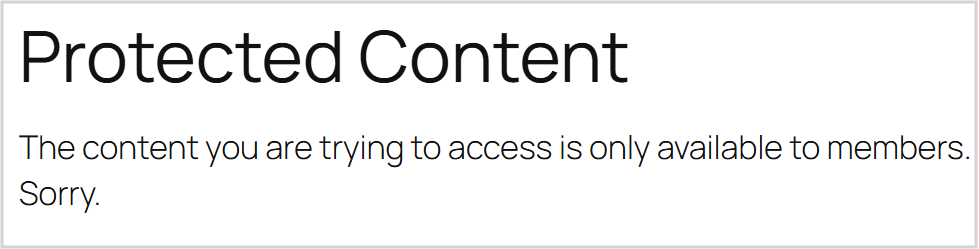
The [ms-protection-message] shortcode will render the following message on the front end for logged-in users:
“The content you are trying to access is only available to members. Sorry.”
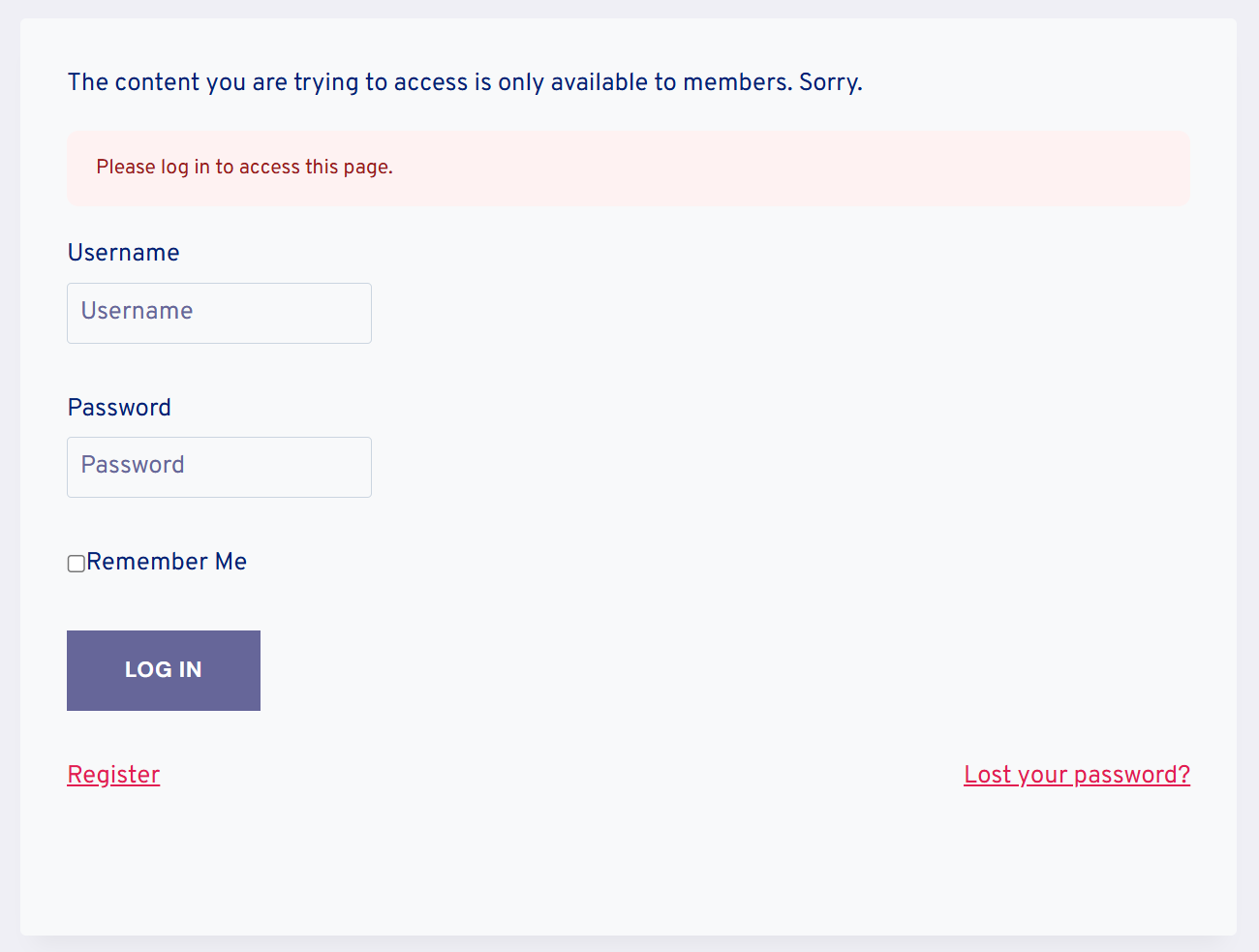
For users who are not logged in, visiting the Protected Content page will also show: “The content you are trying to access is only available to members. Sorry.” Plus the default login form.